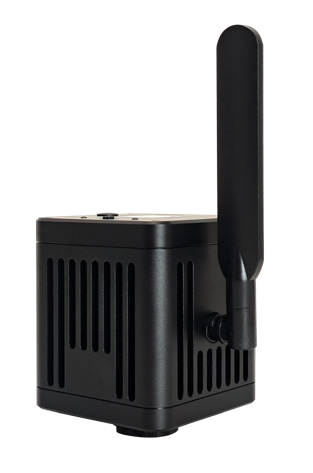
WiFi camera
Image sharing & capture
For viewing on supported computers or mobile devices, with wired outputs available on selected variants.
Select WiFi camera →
Match your microscope, imaging task and preferred display workflow. HX Technology helps select the camera, optical interface and software configuration for your laboratory in Singapore.
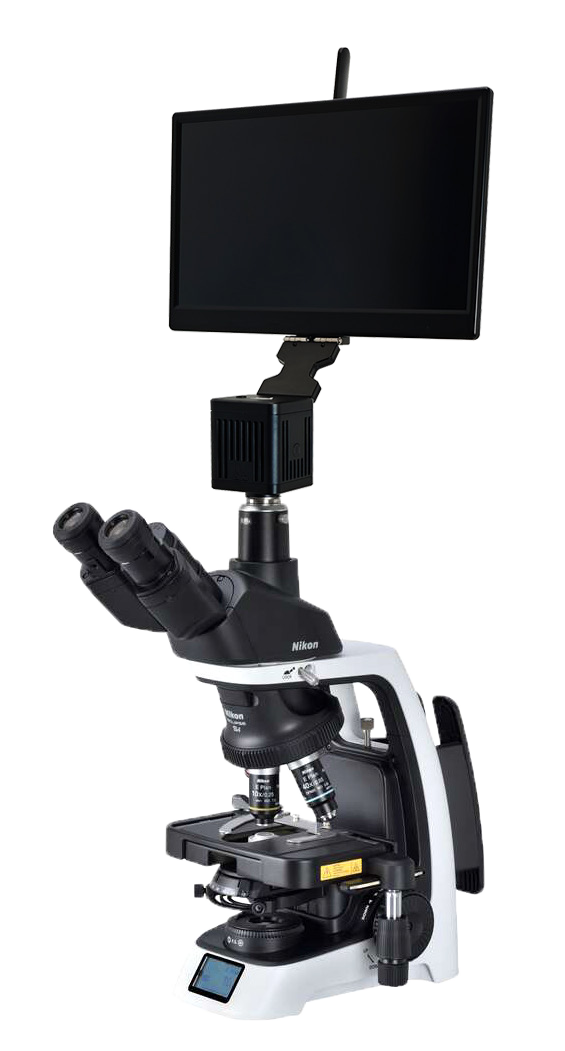
Camera resolution is only one part of the choice. The microscope port, adapter optics, live-view speed and software need to work together.
Image sharing & capture
For viewing on supported computers or mobile devices, with wired outputs available on selected variants.
Select WiFi camera →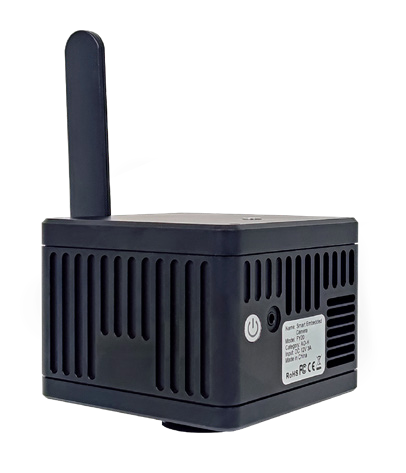
Standalone operation
An integrated Android platform for imaging without a separate PC; use a compatible external display.
Select Smart camera →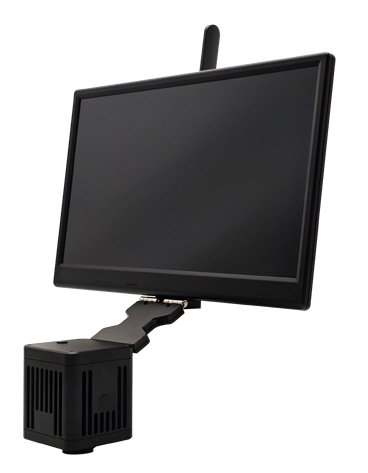
Camera & screen together
A camera with an integrated display for a self-contained microscope workstation.
Select Smart Display camera →Product photographs show manufacturer examples. A camera, microscope, adapter and display are not automatically supplied together.
Choose how you will view, capture and share images. Then match the camera and optical adapter to your microscope.
| Feature | WiFi Camera | Smart Camera | Smart Display Camera |
|---|---|---|---|
| Best fit | Use an existing computer, phone or tablet. | Work without a PC, using a separate monitor. | Keep the camera, screen and imaging workspace together. |
| Display & controls | Connected device and its software; monitor output varies by model. | External DP display; USB mouse / keyboard. | Integrated 15.6-inch 4K display; USB mouse / keyboard. |
| Imaging workspace | KoPa Capture Pro on Windows or a supported mobile app. | Built-in Android with KoPa WiFi Lab AO. | Built-in Android with KoPa WiFi Lab AO. |
| Sharing | Wireless viewing; wired camera outputs depend on the variant. | Wireless sharing and DP output on the current Nikon configurations. | Wireless sharing and DP output on the current Nikon configurations. |
| Storage | Save through the connected device and supported app. | 64 GB internal storage and external USB storage on the current Nikon configurations. | 64 GB internal storage and external USB storage on the current Nikon configurations. |
| Before ordering | Confirm camera output, device compatibility and required live-view speed. | Confirm monitor supply and microscope adapter. USB ports are for peripherals / storage, not assumed PC camera output. | Confirm screen clearance and microscope mounting. USB ports are for peripherals / storage, not assumed PC camera output. |
Start with these documented Nikon configurations. Other Nikon, Leica, Evident / Olympus and Zeiss models need an interface check before an adapter is selected.
Interface: Embedded camera / beam-splitting interface.
Confirm the microscope head and mechanical fit.
Interface: Camera-port and adapter configuration matched to the microscope.
The 2026 brochure lists Ci, Ci-E, Ci-L plus, Ci-S, Ni-E, Ni-L, Ci-POL and LV100N POL examples. Confirm your exact head and port.
Interface: PA043NT beam splitter with 0.43x tube lens.
For trinocular stereo models, confirm the actual photo port separately.
Interface: Model-specific 0.43x interface.
Confirm sample mode and optical path; do not assume fluorescence suitability.
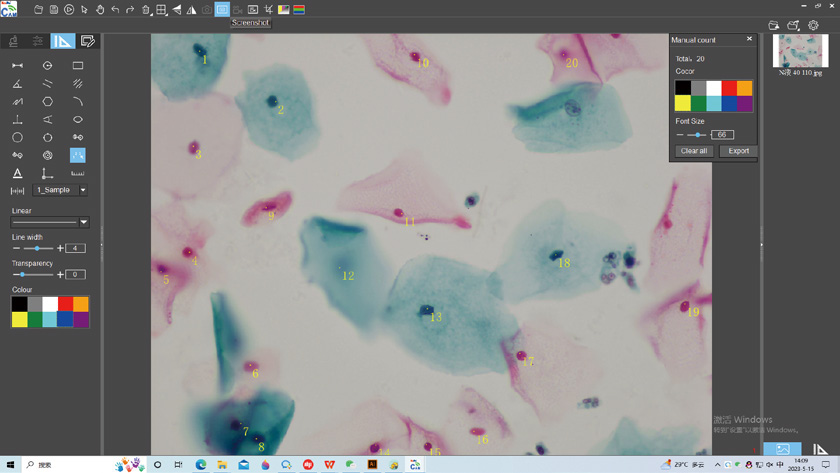
This example is from the Windows software. Mobile and embedded-camera applications have different controls and feature sets.
| Environment | Documented software | Confirm before ordering |
|---|---|---|
| Windows computer | KoPa Capture Pro | Camera model, Windows version, connection and required measurement functions. |
| Phone / tablet | KoPa WiFi Lab for supported Android / iOS devices | Camera generation, device compatibility and laboratory network policy. |
| Embedded smart camera | KoPa WiFi Lab AO | Applicable Android-based camera and display configuration. |
| On-camera display controls | KoPa View on supported models | Do not assume every HDMI-equipped camera includes measurement controls. |
Mac compatibility and specialist acquisition-software integration should be checked for the exact camera. Do not infer them from the presence of USB.
Manufacturer resources for compatible Windows camera setups. Confirm your camera model, connection and software version; these are not manuals for the embedded Smart-camera apps or KoPa DB Capture.
Share your microscope and the result you need. If the model is unknown, send a photo of its label and camera port to sales@hxtech.sg after your enquiry.
Sources: supplied OSTEC camera-solution brochures (2025), current Nikon binocular camera solutions and current Nikon trinocular camera solutions (2026 brochures). Configuration availability and the final supply list are confirmed at quotation.